LESSON 16.02 · 35 MIN PRACTICE
Performance diagnosis and a calm troubleshooting method
Good troubleshooting changes one variable at a time. Separate source decoding, storage, effects, memory, and output problems so you can solve the actual bottleneck.
Reproduce›Isolate›Change one variable›Retest›Document
Conceptual workflow · read from left to right
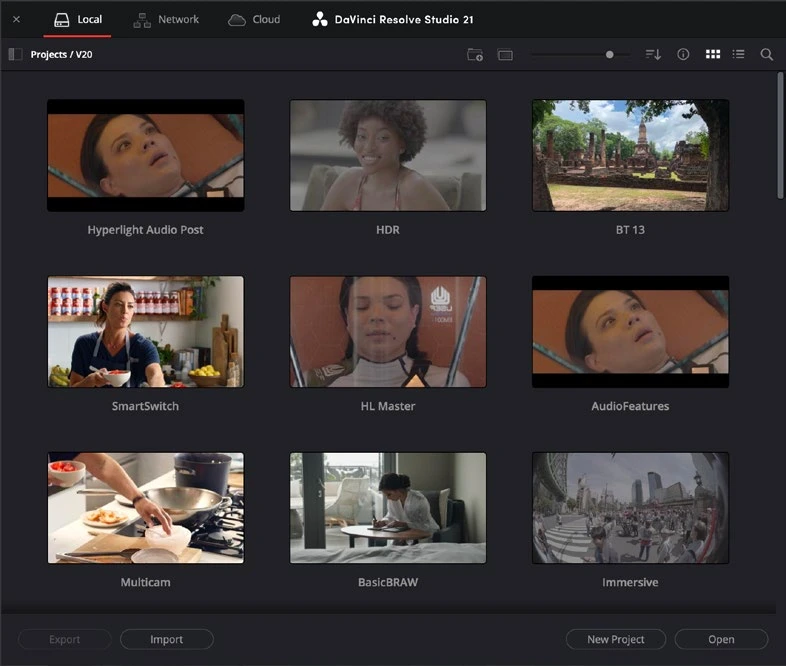
ACTUAL RESOLVE INTERFACEView full size ↗
Work through it
- Reproduce the problem on a short section and note the conditions: clip type, timeline format, effects, and whether the issue appears in playback or only export.
- Bypass expensive grades or Fusion effects, then test again. Compare original versus proxy playback and a lower viewer resolution to isolate processing versus decoding limits.
- Check storage availability and free space. Verify that cache paths and media locations are reachable. Close unrelated heavy workloads and repeat the same test.
- If a particular clip fails, test it in a minimal project. Save diagnostics and a clear reproduction note before seeking support; protect your working project and backups.
Your turn
Create a deliberately demanding effect stack, then identify which change most improves playback. Record the evidence rather than just a list of guesses.
QUICK KNOWLEDGE CHECK
What makes troubleshooting evidence useful?
Your notes
Write down what worked, what surprised you, and what to try next. Saved on this device.
Original practical lesson · Open the in-house resource shelf for practice files and definitions. Completion records your self-assessment, not certification.