LESSON 16.03 · 45 MIN PRACTICE
Archive, restore, and long-term project health
An archive is only useful if it can be restored. A reliable package includes the necessary project data and media, with known dependencies and a clear record of the delivered version.
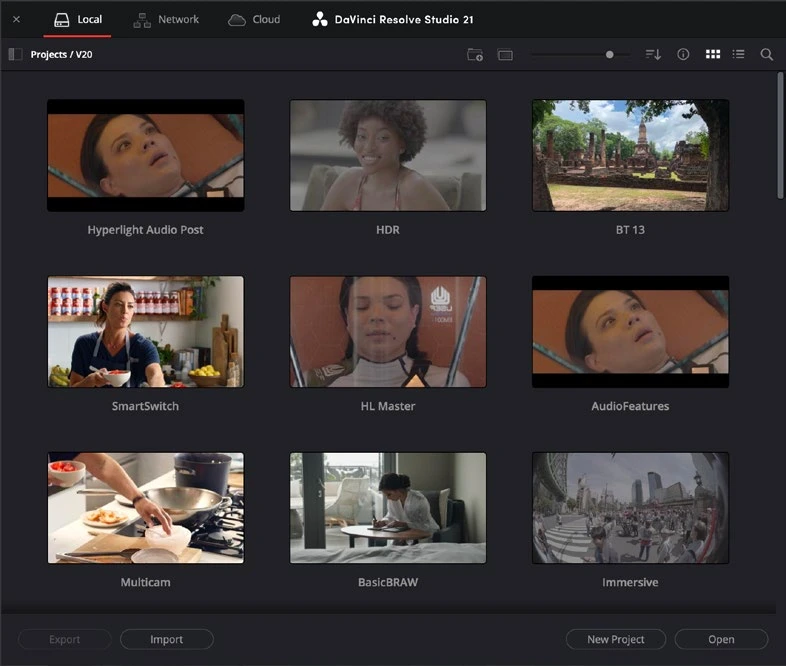
ACTUAL RESOLVE INTERFACEView full size ↗
Work through it
- Choose the approved project version and export its project data. Create a project archive or an explicitly organized media copy using the available archive and media-management options.
- Document external dependencies: fonts, plugins, LUTs, graphics, subtitles, and licensed assets. Some dependencies may not be included automatically in an archive.
- Copy the package to a second storage location. Open the archive or restored project independently and verify that used media resolves without relying on the original paths.
- Render a short representative section from the restored project and compare it with the approved master. Record the software version and archive contents in a manifest.
Your turn
Archive your course film and perform a restore test. Your manifest should identify the project, media, dependencies, final masters, and date.
QUICK KNOWLEDGE CHECK
What is the decisive test of an archive?
Your notes
Write down what worked, what surprised you, and what to try next. Saved on this device.
Original practical lesson · Open the in-house resource shelf for practice files and definitions. Completion records your self-assessment, not certification.