LESSON 03.02 · 25 MIN PRACTICE
Append, insert, overwrite, and placement
Different editing commands answer different questions. Append extends the sequence. Insert makes space. Overwrite replaces timeline material without necessarily shifting everything after it.
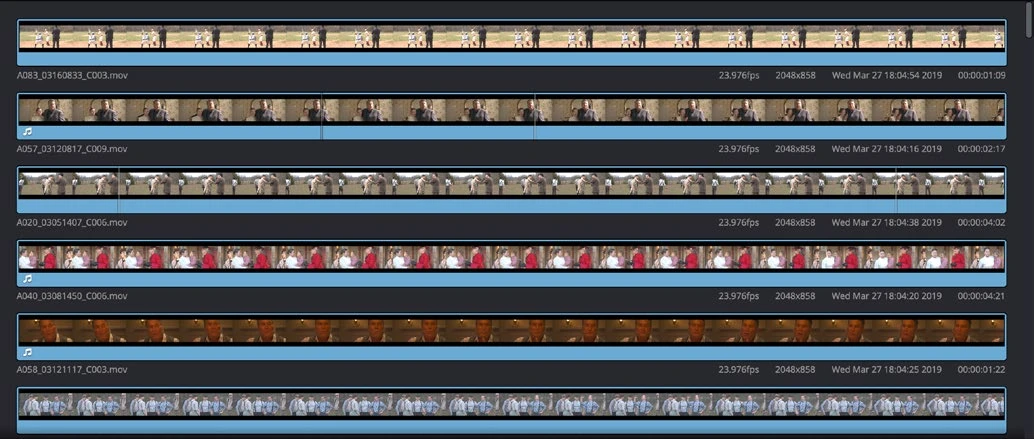
ACTUAL RESOLVE INTERFACEView full size ↗
Work through it
- Create a timeline with three five-second clips. Duplicate it so you can compare results. Put the playhead inside the middle clip.
- Load a two-second source selection. Use an insert operation and observe the timeline duration and the material that moves later. Undo it.
- Use overwrite with the same selection and observe what is replaced. Undo again. Finally append the selection to the end and compare the result.
- Try Cut’s context-sensitive placement tools, reading tooltips first. Confirm the target edit and track before accepting the result; the nearest-edit behavior can differ from a simple playhead insertion.
Your turn
Write down the total sequence duration after an insert, an overwrite, and an append. Explain why one operation can replace content while another preserves it.
LESS EFFECTIVE
Try commands until the shot appears somewhere.
BETTER APPROACH
Choose the intended timing effect, then check the destination.
QUICK KNOWLEDGE CHECK
Which operation generally makes room for new material?
Your notes
Write down what worked, what surprised you, and what to try next. Saved on this device.
Original practical lesson · Open the in-house resource shelf for practice files and definitions. Completion records your self-assessment, not certification.