LESSON 03.04 · 40 MIN PRACTICE
A rough cut with an intentional beginning and end
A rough cut establishes what the film says. It should be understandable before detailed grading, motion graphics, or sound polish. Structure is cheaper to change now.
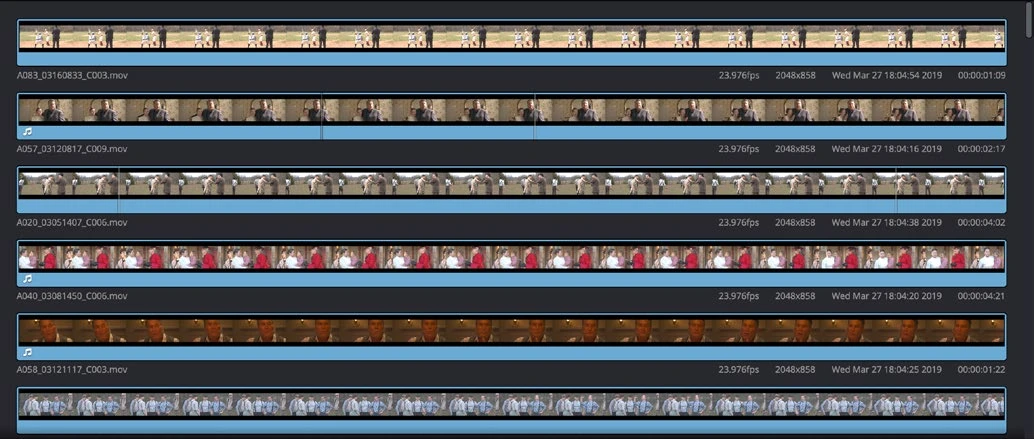
ACTUAL RESOLVE INTERFACEView full size ↗
Work through it
- Choose one simple story: arriving somewhere, preparing something, or completing a small action. Write the beginning, change, and end in one sentence each.
- Arrange your selects to support those three beats. Remove duplicate information, even if the extra shot is attractive.
- Watch without music once. Check whether the scene still makes sense and whether every cut gives the viewer something new.
- Add markers where information is missing or pacing drags. Duplicate the timeline before a major restructuring so you can compare versions rather than relying on memory.
Your turn
Create a 30-second rough cut with at least six shots. Show it to someone without explaining it first, or write a neutral description after taking a short break. Revise one unclear beat.
QUICK KNOWLEDGE CHECK
What should a rough cut establish first?
Your notes
Write down what worked, what surprised you, and what to try next. Saved on this device.
Original practical lesson · Open the in-house resource shelf for practice files and definitions. Completion records your self-assessment, not certification.