LESSON 03.03 · 25 MIN PRACTICE
Trim a sequence around movement
An edit feels natural when action, attention, and timing work together. The correct cut is not always at the end of the source clip; it is where the audience is ready to move.
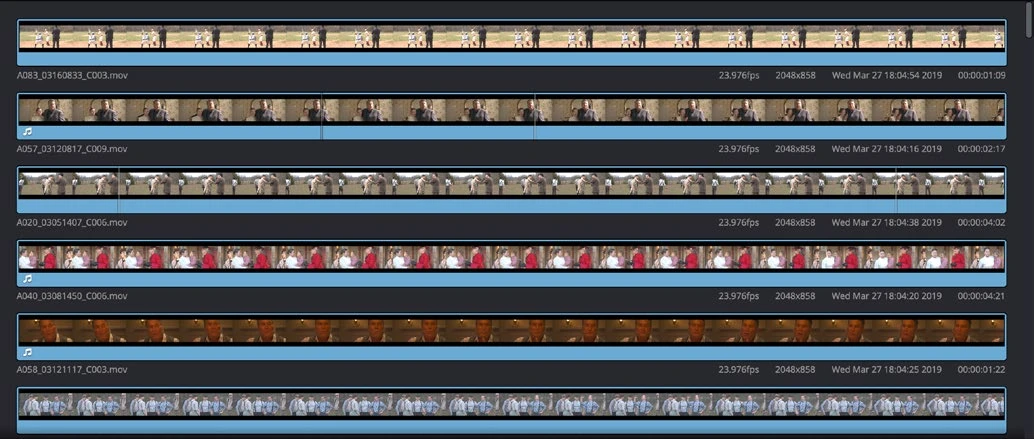
ACTUAL RESOLVE INTERFACEView full size ↗
Work through it
- Choose a wide shot and a closer shot of the same action. Place them consecutively and find the gesture or movement that connects them.
- Trim the outgoing shot just before the action finishes. Trim the incoming shot so the movement continues without an obvious jump backward or forward.
- Loop the edit and compare several positions a few frames apart. Watch at normal speed before judging in slow motion.
- Check available handles at both sides. If there is no extra source footage, you may need a different take or a different transition rather than more trimming.
Your turn
Make three versions of one cut: early, on the action, and late. Describe how each changes pace and continuity. Keep the most convincing version.
QUICK KNOWLEDGE CHECK
What are handles?
Your notes
Write down what worked, what surprised you, and what to try next. Saved on this device.
Original practical lesson · Open the in-house resource shelf for practice files and definitions. Completion records your self-assessment, not certification.