LESSON 10.03 · 50 MIN PRACTICE
3D scenes, cameras, lights, and Renderer3D
A 3D graph contains geometry, cameras, and lights rather than only flat images. A renderer converts the scene into a 2D image that can return to the normal compositing flow.
Geometry + camera + light›Merge3D›Renderer3D›2D composite
Conceptual workflow · read from left to right
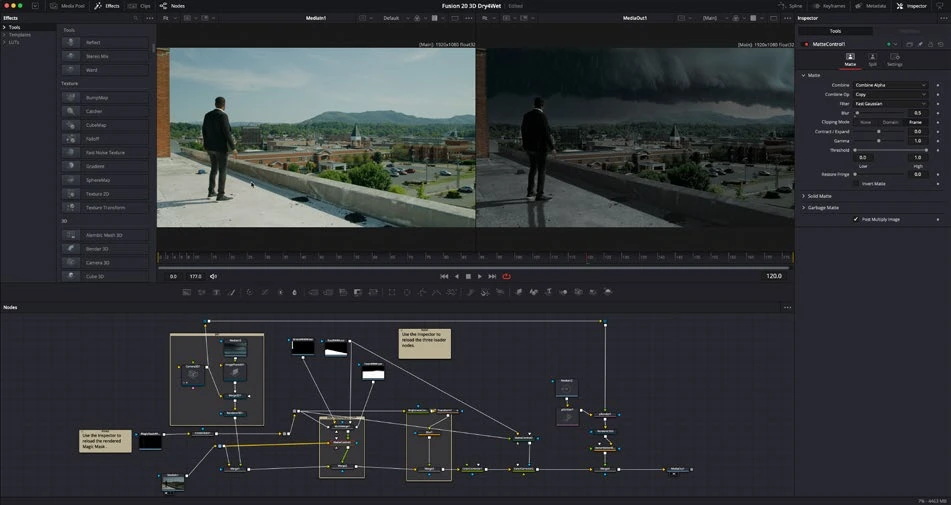
ACTUAL RESOLVE INTERFACEView full size ↗
Work through it
- Create a simple Text3D or shape object and connect it into Merge3D. Add a Camera3D and inspect the scene from both an interactive view and the camera view.
- Add an appropriate light and adjust its relationship to the object. Check material response and shadow settings if your renderer and scene support them.
- Connect the scene to Renderer3D, then send its 2D result through a Merge or directly to MediaOut. Choose the intended camera in the renderer.
- Animate a restrained camera or object move. Check clipping, framing, anti-aliasing, and render cost before adding more geometry or effects.
Your turn
Build a five-second 3D title with one light and a slow camera move. Render a test and check edge quality and legibility.
QUICK KNOWLEDGE CHECK
What is Renderer3D’s role?
Your notes
Write down what worked, what surprised you, and what to try next. Saved on this device.
Original practical lesson · Open the in-house resource shelf for practice files and definitions. Completion records your self-assessment, not certification.