LESSON 17.01 · 30 MIN PRACTICE
The 21.1 and 21.1.1 workflow changes
Maintenance releases can change everyday interactions without replacing your whole workflow. Test new behavior on a duplicate project before introducing it into an active production.
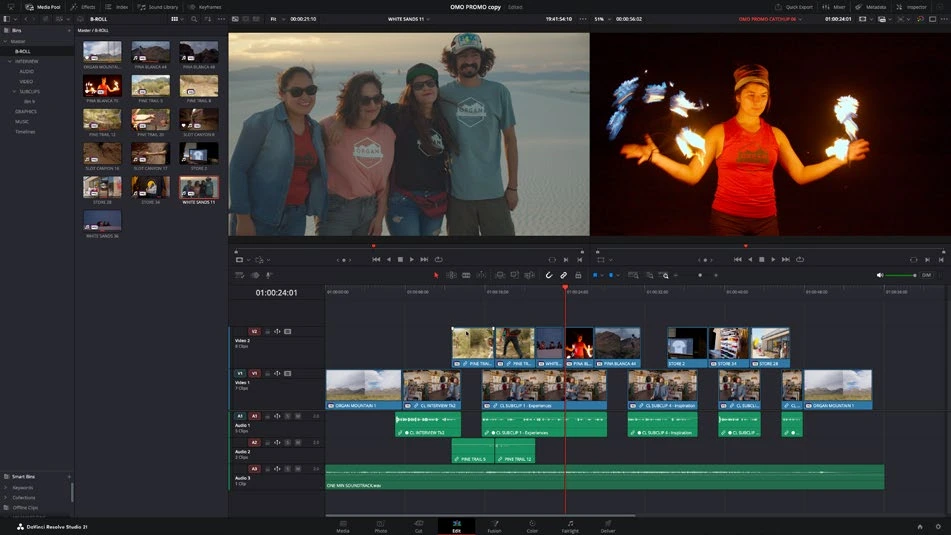
ACTUAL RESOLVE INTERFACEView full size ↗
Work through it
- Check the installed version in About DaVinci Resolve. Record it in your project notes and compare it with the version your collaborators use.
- In 21.1.1, test the updated trim editor with an audio-only clip and multiple selected edit points. Observe the viewer’s edit-side indication and listen to mouse-trim audio previews.
- Apply the same Fusion effect twice to a test clip. Inspect the separate effect instances in the Inspector and verify that changing one leaves the other’s settings independent.
- Try the relevant 21.1 archive, photo, or multicam improvements in a short duplicate project. Keep a record of differences that affect your established delivery process.
Your turn
Create a small release-validation checklist and record the result of two features on your installed build. If your build is older, identify the missing behavior explicitly.
QUICK KNOWLEDGE CHECK
Where should you first test a new release workflow?
Your notes
Write down what worked, what surprised you, and what to try next. Saved on this device.
Original practical lesson · Open the in-house resource shelf for practice files and definitions. Completion records your self-assessment, not certification.