LESSON 17.02 · 40 MIN PRACTICE
MultiMaster trims, grade versions, and controlled variants
Multiple output versions need a clear relationship to the main grade. Separate the creative base from output-specific adjustments so a late change does not become an inconsistent collection of copies.
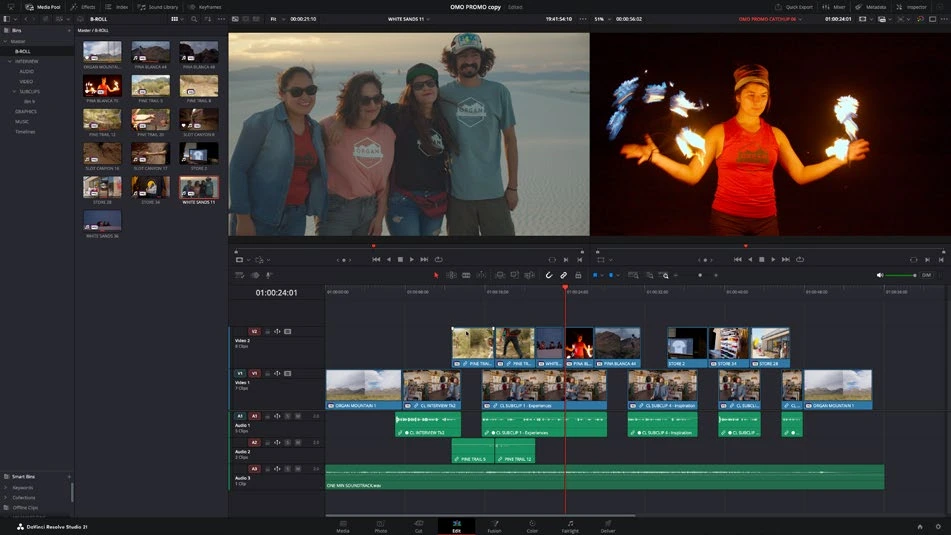
ACTUAL RESOLVE INTERFACEView full size ↗
Work through it
- Create a well-labeled base grade and save a version before experimentation. Decide which changes are creative and which compensate for a particular output target.
- Inspect the MultiMaster and trim controls available in your Studio build. In 21.1, individual MultiMaster trims provide additional output-specific control; test on a short sequence first.
- Change one trim and compare the relevant outputs. Confirm that the base and other intended versions remain consistent with your design.
- Render representative samples of every required output and review them through their appropriate monitoring paths. Record which version and trim produced each deliverable.
Your turn
Prepare two clearly labeled output variants of a short scene. Explain which decisions are shared and which belong only to a particular output.
QUICK KNOWLEDGE CHECK
Why separate a base grade from output trims?
Your notes
Write down what worked, what surprised you, and what to try next. Saved on this device.
Original practical lesson · Open the in-house resource shelf for practice files and definitions. Completion records your self-assessment, not certification.