LESSON 09.04 · 50 MIN PRACTICE
Planar tracking and a simple screen replacement
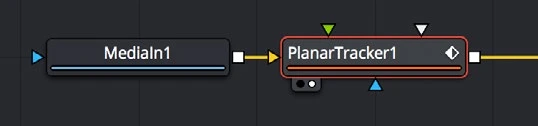
Planar tracking estimates the movement of a flat surface. It is useful for signs and screens, but reflections, occlusion, and changing perspective still need careful compositing.
ACTUAL RESOLVE INTERFACEView full size ↗
Work through it
- Choose footage with a visible flat surface and enough texture. On a useful reference frame, define a tracking region that stays on the same plane and avoids unrelated moving objects.
- Track in both directions as needed. Review the entire range, especially when the surface rotates, blurs, or becomes partly hidden.
- Use the tracked motion with the available planar transform or corner-pin workflow to position your replacement graphic. Confirm the reference frame and coordinate assumptions.
- Match the replacement’s brightness, softness, grain, and motion blur to the shot. Mask foreground occlusions separately and preserve natural reflections where the material supports it.
Your turn
Replace a flat sign or screen in a short shot using a graphic you create. Check the corners frame by frame at the most difficult moment, then review at speed.
QUICK KNOWLEDGE CHECK
What should a planar tracking region follow?
Your notes
Write down what worked, what surprised you, and what to try next. Saved on this device.
Original practical lesson · Open the in-house resource shelf for practice files and definitions. Completion records your self-assessment, not certification.