LESSON 13.01 · 35 MIN PRACTICE
Transcription, text-based editing, and IntelliScript
Text-based workflows help navigate spoken content. They can accelerate assembly, but the transcript is an interpretation of the recording. The editor remains responsible for meaning and context.
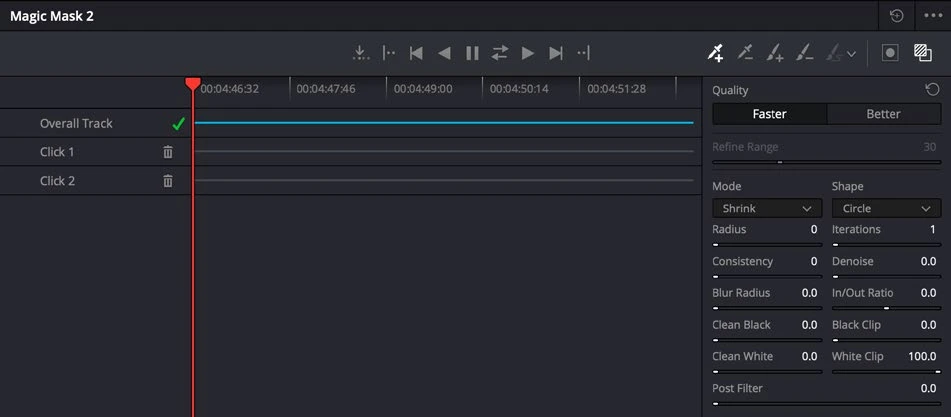
ACTUAL RESOLVE INTERFACEView full size ↗
Work through it
- Choose a short spoken clip and run the available transcription workflow in Studio. Confirm language and any relevant options before processing.
- Read along while listening. Correct or note names, numbers, and phrases that were misheard before using the text to make decisions.
- Use the transcript to locate and assemble a few useful sections. Leave enough handles for natural speech transitions and check the resulting timeline against the actual recording.
- If using IntelliScript with a prepared script, compare its proposed assembly with the intended performance. Replace unsuitable takes and restore any context that the automatic assembly omitted.
Your turn
Build a 20-second interview excerpt from a longer recording using text navigation. Verify that the edit preserves the speaker’s meaning and sounds natural across every cut.
QUICK KNOWLEDGE CHECK
What must be checked after a text-driven assembly?
Your notes
Write down what worked, what surprised you, and what to try next. Saved on this device.
Original practical lesson · Open the in-house resource shelf for practice files and definitions. Completion records your self-assessment, not certification.