LESSON 13.04 · 35 MIN PRACTICE
IntelliSearch, CineFocus, and responsible AI review
Resolve 21 adds new AI-assisted discovery and image tools. Treat search results and generated image adjustments as proposals: useful when they save time, risky when they replace verification.
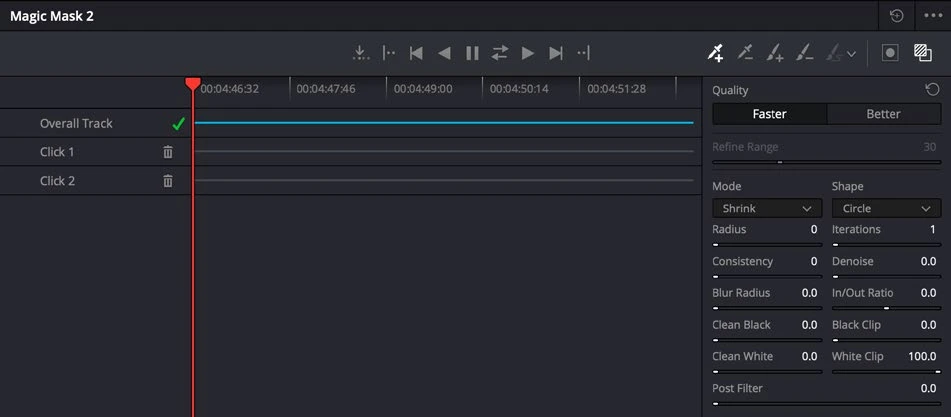
ACTUAL RESOLVE INTERFACEView full size ↗
Work through it
- Use IntelliSearch on a small, clearly organized test set. Search for an identifiable object or spoken topic and compare the returned clips with what you know is actually in the bin.
- Record a missed result and an irrelevant result. Adjust the search wording instead of assuming the indexed interpretation is complete.
- Test CineFocus on a short shot with clear depth and subject separation. Make a restrained adjustment and inspect boundaries, occlusions, and changes in focus during movement.
- Compare the processed render with the original. Keep documentary or factual context in mind when a synthetic adjustment changes how an event appears.
Your turn
Create a review note listing what the AI tool did well, where it failed, and which manual method you would use for repair.
QUICK KNOWLEDGE CHECK
How should an AI search result be treated?
Your notes
Write down what worked, what surprised you, and what to try next. Saved on this device.
Original practical lesson · Open the in-house resource shelf for practice files and definitions. Completion records your self-assessment, not certification.