← All 100 how-to guidesGUIDE 018 / 100
EDITING ESSENTIALS
How to create and unpack a compound clip
DaVinci Resolve Studio 21.1 · Original practical guide
A compound clip wraps selected timeline elements into one editable container. It helps move a group together or apply processing to a combined result.
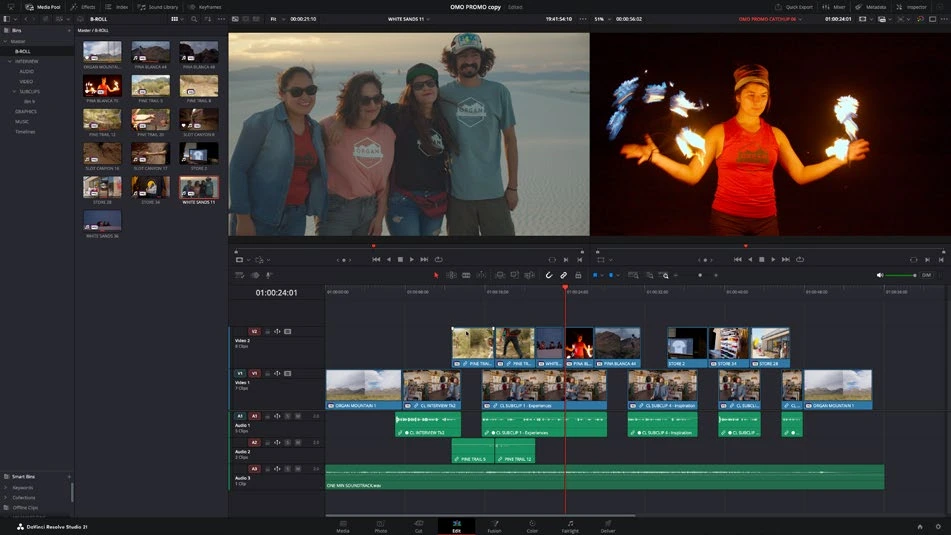
ACTUAL RESOLVE INTERFACEView full size ↗
Step by step
- Select the timeline clips that belong together, including any sound that should be inside the compound.
- Right-click and choose New Compound Clip. Give it a descriptive name and confirm the selection.
- Use Open in Timeline on the compound when you need to edit its internal arrangement. Return to the parent timeline to see the combined output.
- To expose its components again in the parent, use Decompose in Place on a duplicate and inspect the resulting tracks and timing.
Check your result
The compound plays like the original group and its internal clips remain editable.
Technical reference: DaVinci Resolve 21.1 Reference Manual, Blackmagic Design, September 2026. Screenshot page numbers refer to that manual. Independently written guidance; specific controls may vary by platform and build. Authorship & image credits.