← All 100 how-to guidesGUIDE 092 / 100
FIXES & PROJECT SAFETY
How to fix media offline appearing only in an export
DaVinci Resolve Studio 21.1 · Original practical guide
An export-only offline frame can involve original-media access, decoding, or stale intermediate files. First locate the exact failing frame in the rendered movie.
ACTUAL RESOLVE INTERFACEView full size ↗
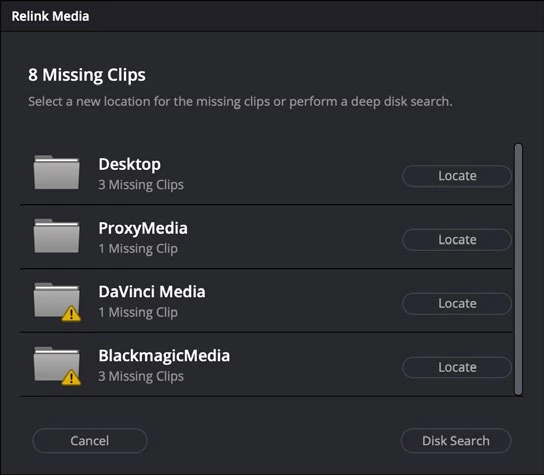
Step by step
- Reimport the failed export and note the precise timeline time of the offline image. Identify the corresponding source clip.
- Disable proxy preference for a test and verify the original plays through that range. Check the source drive and file permissions.
- Render a short range around the failure without using proxy, optimized, or cached images where those export options are enabled.
- If the same source frame repeatedly fails, test that clip in a minimal project and inspect its codec or integrity. Rebuild only the affected intermediate files after isolating the cause.
Check your result
The short test and subsequent full export contain valid picture across the former failure point.
Technical reference: DaVinci Resolve 21.1 Reference Manual, Blackmagic Design, September 2026. Screenshot page numbers refer to that manual. Independently written guidance; specific controls may vary by platform and build. Authorship & image credits.