← All 100 how-to guidesGUIDE 097 / 100
FIXES & PROJECT SAFETY
How to troubleshoot a render that fails at the same point
DaVinci Resolve Studio 21.1 · Original practical guide
A repeatable failure position is useful evidence. Narrow the problem to a source, effect, transition, or output constraint before rerendering the entire film.
ACTUAL RESOLVE INTERFACEView full size ↗
Step by step
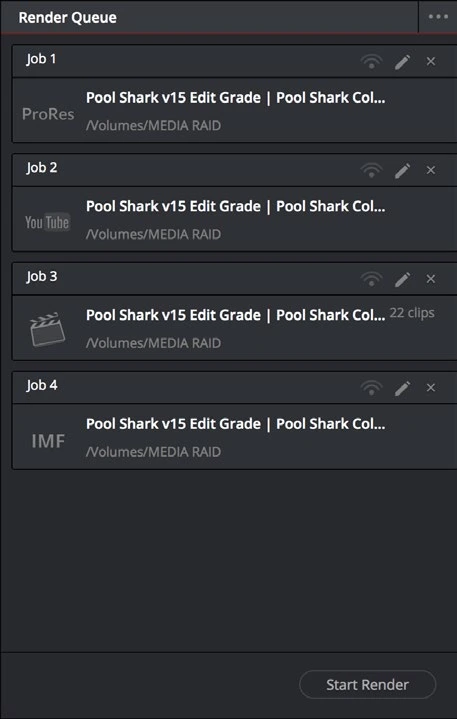
- Note the reported failure time and identify the timeline clips and effects active there. Confirm destination space and write access.
- Render a short range around the failure. Temporarily bypass one expensive effect or Fusion composition at a time to see whether the result changes.
- Compare a different suitable output codec and test the suspect source in a minimal project. Keep the same range so the comparison is meaningful.
- Once the cause is isolated, replace or revise the failing element, rebuild affected cache if needed, and render the short test again before the full delivery.
Check your result
The formerly failing section renders consistently and the full output passes visual and audio review.
Technical reference: DaVinci Resolve 21.1 Reference Manual, Blackmagic Design, September 2026. Screenshot page numbers refer to that manual. Independently written guidance; specific controls may vary by platform and build. Authorship & image credits.