← All 100 how-to guidesGUIDE 089 / 100
EXPORT & DELIVERY
How to queue several render jobs
DaVinci Resolve Studio 21.1 · Original practical guide
The Render Queue lets you prepare multiple outputs before processing them. Each job should have a clear destination and a verified specification.
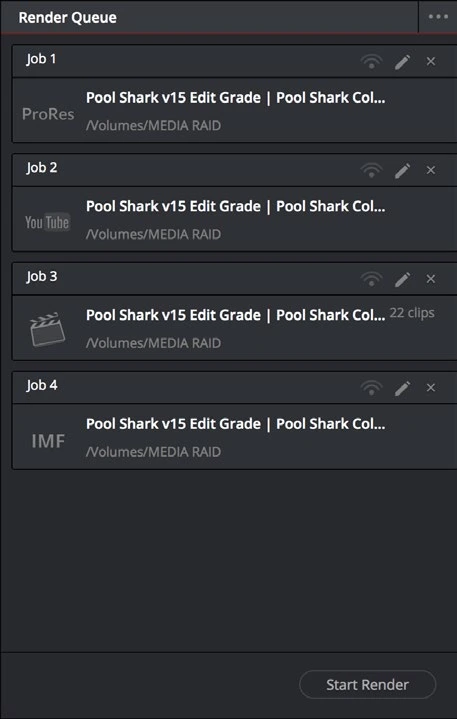
ACTUAL RESOLVE INTERFACEView full size ↗
Step by step
- Configure the first output on Deliver, including timeline, render range, codec, audio, captions, and filename.
- Choose Add to Render Queue. Review the new job’s label and destination before moving on.
- Change the settings for the next version, use a distinct filename, and add another job. Repeat for the required deliverables.
- Render the intended queued jobs and inspect their completion status. Open one file from every output type to verify that its settings were captured correctly.
Check your result
Every queued deliverable exists at its intended destination with the correct format and content.
← PREVIOUS GUIDEExport an SRT subtitle sidecarNEXT GUIDE →Reduce export file size without ruining quality
Technical reference: DaVinci Resolve 21.1 Reference Manual, Blackmagic Design, September 2026. Screenshot page numbers refer to that manual. Independently written guidance; specific controls may vary by platform and build. Authorship & image credits.