← All 100 how-to guidesGUIDE 059 / 100
COLOR FOUNDATIONS
How to save and compare a Gallery still
DaVinci Resolve Studio 21.1 · Original practical guide
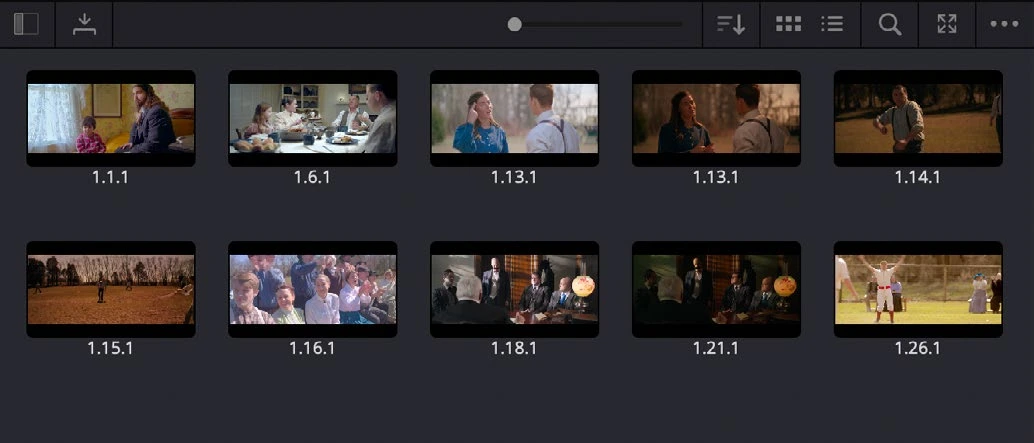
A Gallery still preserves a visual reference together with grade information. It helps you compare decisions across shots without relying entirely on visual memory.
ACTUAL RESOLVE INTERFACEView full size ↗
Step by step
- Select a useful frame on Color and right-click the viewer to Grab Still.
- Name or organize the still in the Gallery so its purpose is clear, such as Scene A neutral reference.
- Move to another shot and activate the still comparison or image wipe. Compare the same meaningful areas, such as skin and background brightness.
- Adjust the new shot, then turn the wipe off and play across the actual cut. Keep references that represent approved decisions rather than every experiment.
Check your result
The still is easy to find and helps you make a specific, observable match.
Technical reference: DaVinci Resolve 21.1 Reference Manual, Blackmagic Design, September 2026. Screenshot page numbers refer to that manual. Independently written guidance; specific controls may vary by platform and build. Authorship & image credits.